
DeckAssistant Review
DeckAssistant: Supercharge your Stream Deck with AI! Instant text processing, custom prompts, chat organization, and image generation for macOS.
Reviewed and updated on
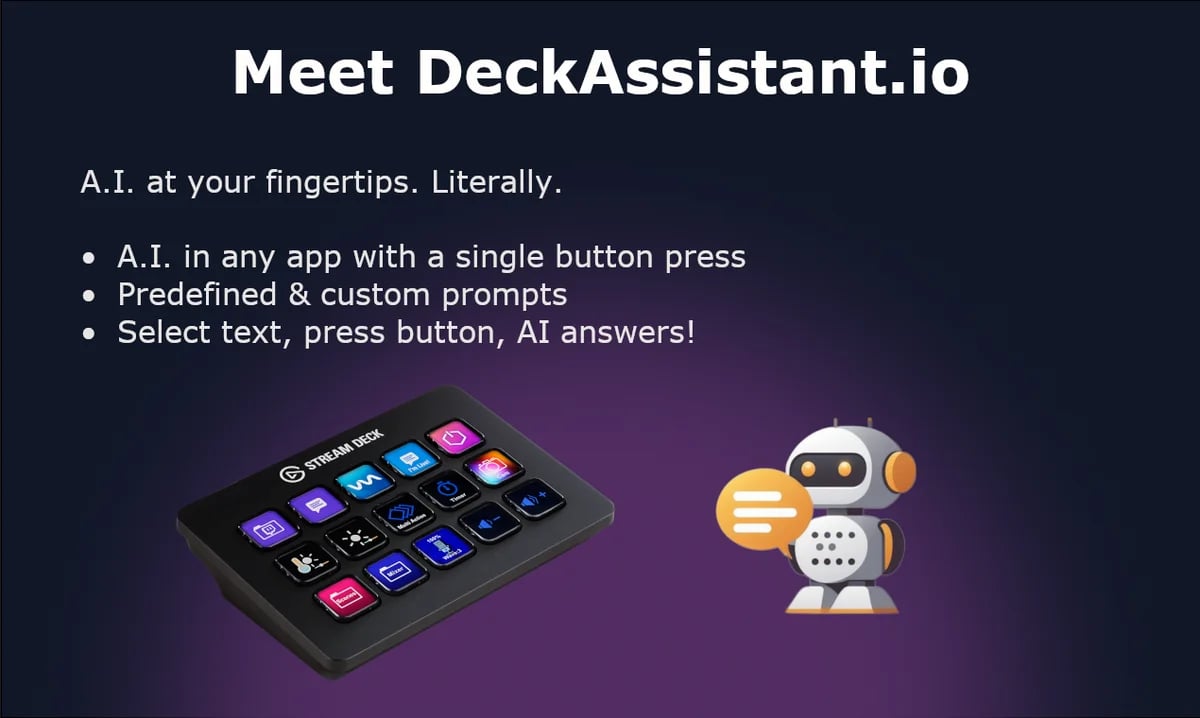
What Is DeckAssistant?
DeckAssistant is an AI-powered plugin for Stream Deck, enhancing user interaction with a superior ChatGPT interface for text processing and freeform AI conversations.
Target Audience of DeckAssistant
How To Use DeckAssistant?
1. Create an account at https://deckassistant.io/register. 2. Copy your API token from the dashboard at https://deckassistant.io/dashboard. 3. Install the Stream Deck plugin from https://apps.elgato.com/plugins/io.deckassistant.plugin. 4. Add a button on Stream Deck and paste the API token. 5. Press the button to interact with the AI.
Core Features of DeckAssistant
- Instant AI text processing in any application via Stream Deck button
- Freeform prompt for direct AI queries
- Enhanced ChatGPT interface with folders, custom prompts, and message editing
- Features like data export, history search, favorites, and chat screenshot export
- Prompt library and example prompts for easy setup
- Image generation capabilities
- Seamless conversation continuation online
Use Cases of DeckAssistant
- Correcting spelling and grammar in selected text across applications
- Generating creative content or responses with custom prompts
- Quick AI assistance for brainstorming or problem-solving
- Organizing and exporting chat histories for documentation
- Creating stunning images directly from prompts
FAQ from DeckAssistant
Pricing of DeckAssistant
DeckAssistant is Paid service
Basic Plan
TBD
Access to core AI features and Stream Deck integration.
Contact & Company Information of DeckAssistant
DeckAssistant Company Name: DeckAssistant
DeckAssistant Support Email:support@deckassistant.io
DeckAssistant Login
DeckAssistant Login Link:https://deckassistant.io/dashboard
DeckAssistant Sign Up
DeckAssistant Sign Up Link:https://deckassistant.io/register
Social Media
DeckAssistant Twitter Link:https://twitter.com/smitmartijn
Information
 Shawn Hacks
Tags
 Screentell