
Google Antigravity Review
Google Antigravity - next-generation IDE, Build the new way
Reviewed and updated on
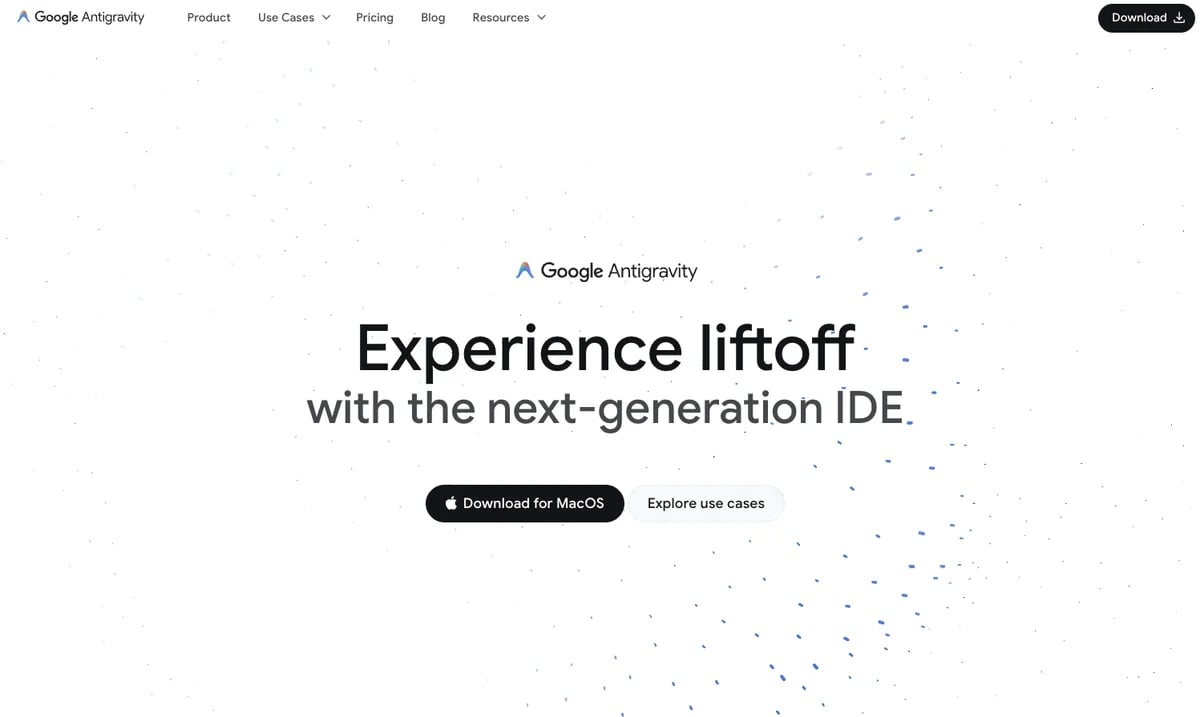
What Is Google Antigravity?
Google Antigravity is a next-generation AI-powered IDE designed for developers, offering advanced code assistance and agent-first development workflows.
Target Audience of Google Antigravity
How To Use Google Antigravity?
Download Google Antigravity for Linux from the official website, install it, and start using its AI-powered editor for coding with features like tab autocompletion and natural language commands. Explore use cases and documentation for tailored workflows.
Core Features of Google Antigravity
- AI IDE Core with tab autocompletion and natural language code commands
- Configurable, context-aware agents for personalized coding assistance
- Task-based monitoring for agent activity with essential artifacts
- Cross-surface agent control across editor, terminal, and browser
- Intuitive user feedback integration to refine agent outputs
- Central mission control for managing multiple agents across workspaces
Use Cases of Google Antigravity
- Frontend developers automating repetitive UX tasks with browser-in-the-loop agents
- Full-stack developers building production-ready apps with verified artifacts
- Enterprise developers orchestrating agents across workspaces for streamlined operations
FAQ from Google Antigravity
Pricing of Google Antigravity
Google Antigravity is Free to use
Free Plan
Free
Full access to Google Antigravity for individual developers at no cost.
Organization Plan
TBD
Tailored for teams and enterprises with advanced features (coming soon).
Contact & Company Information of Google Antigravity
Google Antigravity Company Name: Google
Google AntigravityCustomer Service Contact
Information
 Shawn Hacks
Categories
 Screentell