
ReportRemarks Review
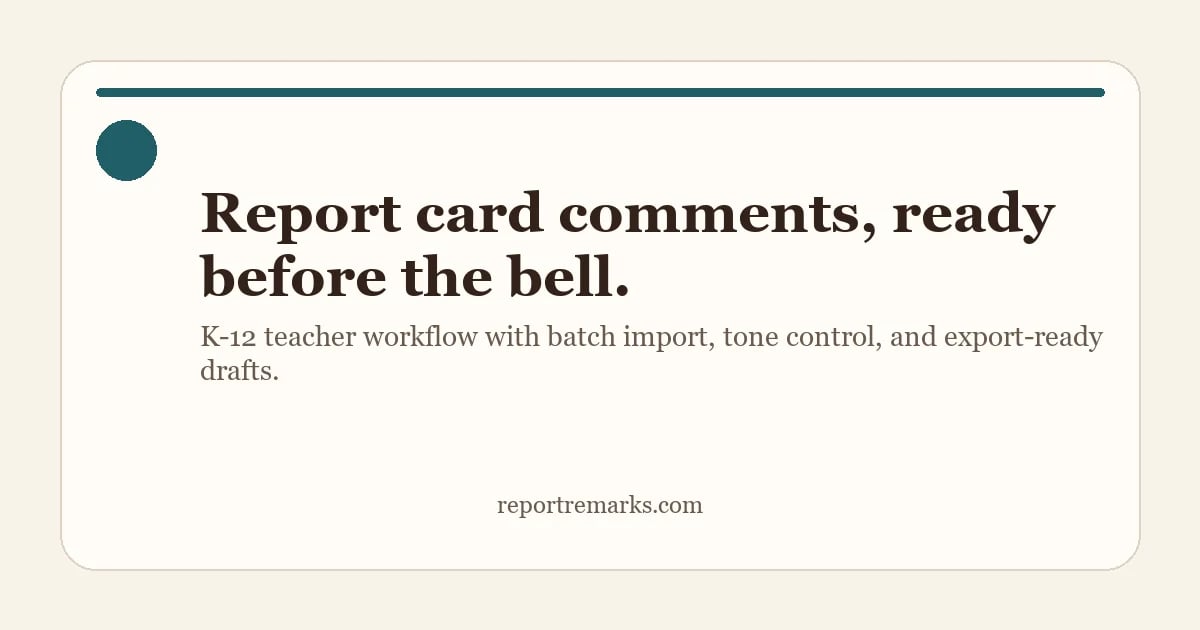
ReportRemarks is an AI-assisted tool for K-12 teachers to generate, edit, and export submission-ready report card comments, using batch import and quality checks to maintain teacher voice.
Reviewed and updated on
What Is ReportRemarks?
ReportRemarks is an AI-assisted tool for K-12 teachers to generate, edit, and export submission-ready report card comments, using batch import and quality checks to maintain teacher voice.
Target Audience of ReportRemarks
How To Use ReportRemarks?
Import your student roster from CSV or Google Sheets, assemble comments with tone and context, then batch edit and export to DOCX, PDF, or TXT for report cards.
Core Features of ReportRemarks
- Batch comment generation from CSV/Sheets
- Tone controls for family-friendly language
- CQE (Comment Quality Engine) for feedback
- Multi-format export (DOCX, PDF, TXT)
- FERPA-friendly, no student data training
- Grade-level and subject-specific phrasing
Use Cases of ReportRemarks
- Creating end-of-term or end-of-year report cards
- Generating subject-specific comments (Math, Reading)
- Drafting comments for elementary and K-2 students
- Batch processing entire class rosters
- Maintaining consistent teacher voice across comments
FAQ from ReportRemarks
Pricing of ReportRemarks
ReportRemarks is Paid service
Free Trial
Free (30 credits, 30 days)
Try the workflow first with no card needed.
Starter
$7.99 (120 comments, 180-day validity)
Pay once, finish a couple of classes.
Standard
$21.99 (360 comments, 180-day validity)
Best value for end-of-term grading.
Large
$49.00 (900 comments, 180-day validity)
For multi-subject teachers and teams.
Contact & Company Information of ReportRemarks
ReportRemarks Company Name: ReportRemarks
ReportRemarks Support Email:support@reportremarks.com
ReportRemarksCustomer Service Contact
ReportRemarks Login
ReportRemarks Login Link:https://www.reportremarks.com/en/login
ReportRemarks Sign Up
ReportRemarks Sign Up Link:https://www.reportremarks.com/en/login?plan=trial
Information
 Shawn Hacks
 Screentell