
Rewind Review
Rewind: Your AI memory. It records everything you see, say, and hear on your Mac and iOS, for instant recall and productivity.
Reviewed and updated on
What Is Rewind?
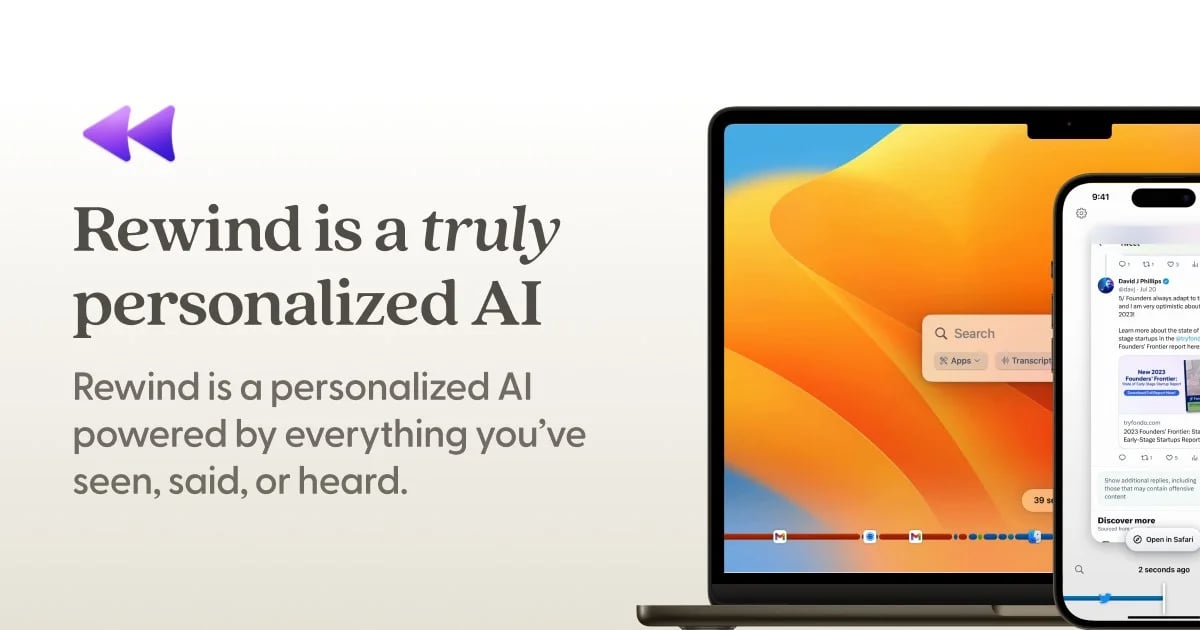
Rewind is a personalized AI assistant that captures everything you've seen, said, or heard on your computer, enabling instant recall and productivity enhancement.
Target Audience of Rewind
How To Use Rewind?
Install Rewind on your Mac or iOS device. It runs in the background, capturing screen and audio data. Set it to store data locally with encryption. Use the AI to search, summarize meetings, draft emails, or recall any moment by asking questions.
Core Features of Rewind
- Captures screen and audio data imperceptibly in the background
- Stores data locally with encryption for privacy
- Provides human-level meeting summaries without bots
- Automates note-taking and email drafting with AI
- Supports instant recall of any past moment or detail
- Optimized for Apple Silicon (M1/M2) with minimal CPU usage
- Offers backup for lost work due to crashes
- Excludes private browsing and allows recording pauses
Use Cases of Rewind
- Automating note-taking and summarizing meetings for professionals
- Enhancing productivity for executives with instant recall
- Supporting engineering teams with detailed work backups
- Assisting sales teams in tracking client interactions
- Helping individuals with ADHD stay organized
FAQ from Rewind
Pricing of Rewind
Rewind is Paid service
Basic Plan
TBD
Essential features for individual users with limited storage and basic AI assistance.
Pro Plan
TBD
Advanced features for professionals including meeting summaries and extended storage.
Enterprise Plan
Contact Sales
Tailored for teams with full AI capabilities and priority support.
Contact & Company Information of Rewind
Rewind Company Name: Rewind AI, Inc.
Rewind Support Email:press@rewind.ai
RewindCustomer Service Contact
Social Media
Rewind Twitter Link:https://twitter.com/RewindAI
Information
 Shawn Hacks
Categories
Tags
 Screentell