
Screenshot Text Editor Review
**Screenshot Editor** is a free online tool to erase or replace text in screenshots. Edit privately in your browser—no upload, no account, no watermark.
Reviewed and updated on
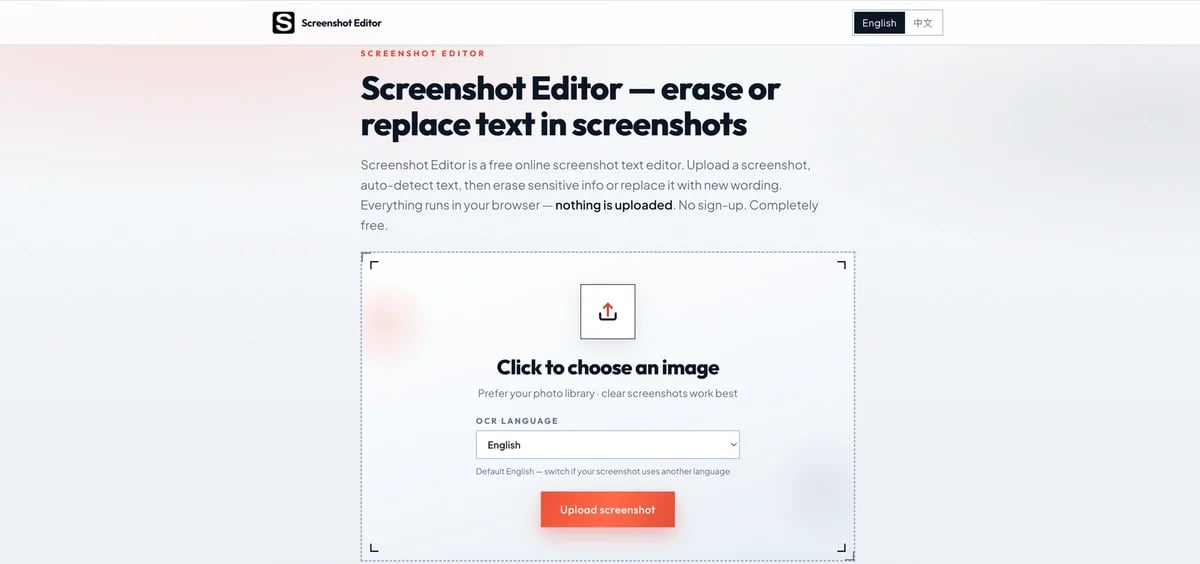
What Is Screenshot Text Editor?
A free, browser-based screenshot text editor that runs OCR locally via WebAssembly to detect text in screenshots and lets users erase or replace that text without uploading images to any server.
Target Audience of Screenshot Text Editor
How To Use Screenshot Text Editor?
Open the site, upload or drag in a screenshot (PNG, JPG, JPEG, WebP, or GIF). Select the OCR language if needed, wait for local text detection, tap a highlighted line to erase (with smart background fill) or replace with new text, then download the edited PNG at original resolution.
Core Features of Screenshot Text Editor
- 100% local processing with WebAssembly and Canvas — nothing is uploaded
- Built-in OCR (Tesseract) supporting English, Simplified/Traditional Chinese, Japanese, Korean, Spanish, French, German, and Russian
- One-click text erase with smart background pixel fill
- Text replacement on detected regions without re-shooting
- Free to use with no sign-up, usage caps, or watermarks
- PNG export at original resolution
- Works on desktop and mobile browsers, including photo upload from phone gallery
- Automatic in-memory cleanup on page refresh
Use Cases of Screenshot Text Editor
- Redact phone numbers, addresses, account IDs, and amounts before sharing chats or dashboards
- Fix typos or wording mistakes in slides, tutorials, and UI captures without reshooting
- Remove placeholder copy, test data, or stray labels from product screenshots for marketing assets
- Clean invoices, receipts, and finance-related screenshots while keeping them private
- Translate or localize UI text directly on existing screenshots
FAQ from Screenshot Text Editor
Pricing of Screenshot Text Editor
Screenshot Text Editor is Free to use
Free
Free
Full access to all screenshot editing features with no sign-up, no usage caps, no watermarks, and ad-supported service.
Contact & Company Information of Screenshot Text Editor
Screenshot Text Editor Company Name: Screenshot Editor
Information
 Carter
Categories
 Screentell