
Screentell Review
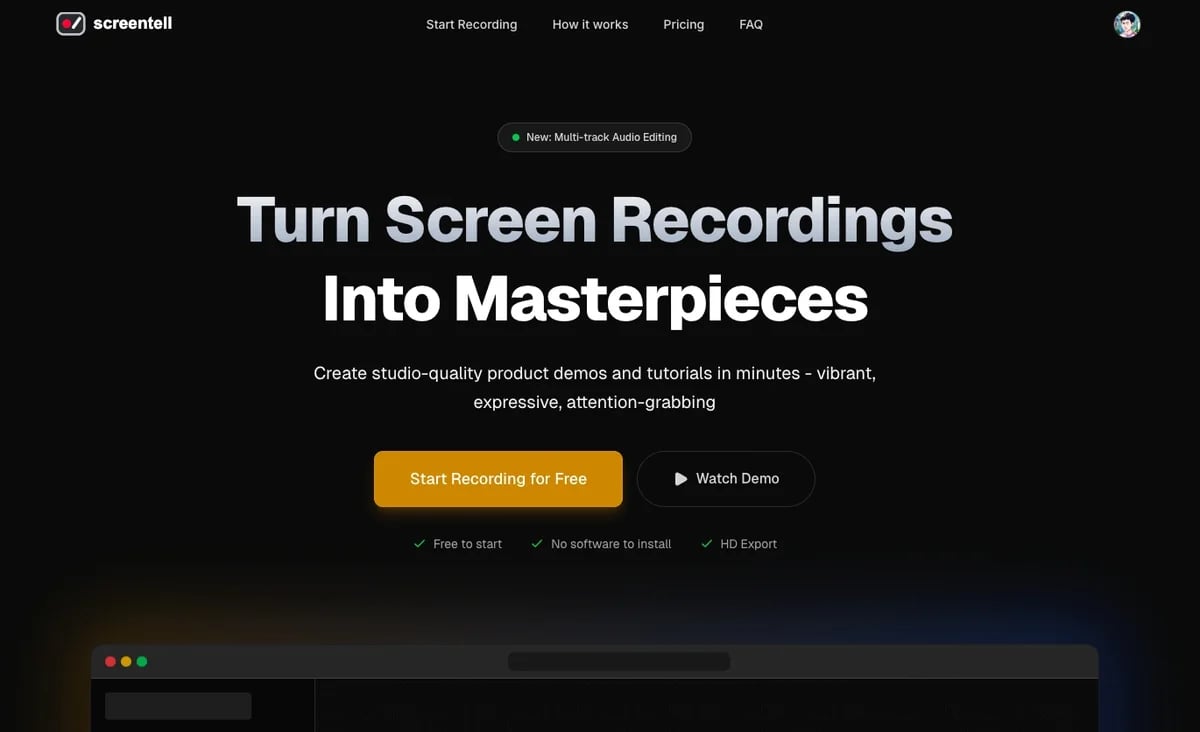
Screentell is a browser-based screen recorder and video editor, creating studio-quality product demos with cinematic 3D transforms and advanced editing.
Reviewed and updated on
What Is Screentell?
Screentell is a browser-based screen recorder and video editor designed for creating studio-quality product demos and tutorials in minutes. It offers advanced editing features like cinematic 3D transforms, motion focus, and customizable annotations, all processed locally for enhanced privacy.
Target Audience of Screentell
How To Use Screentell?
Easily record any window or screen, including camera and audio, using Screentell's dual-stream engine. Edit your footage with powerful tools for zoom, 3D transforms, stickers, cropping, cutting, and speed adjustments. Finally, export your polished video in HD standard formats ready for sharing.
Core Features of Screentell
- High-Quality Recording (screen, camera, system audio, microphone)
- Cinematic 3D Transforms and Motion & Focus (2D/3D smooth camera movements)
- Flexible & Expressive Stickers & Annotations (customizable arrows, shapes, text, image overlays)
- Customizable Backgrounds & Layouts (Inset feature, various background options)
- Advanced Video Editing (clip splitting, cutting, speed control, cropping, external video import)
- Dynamic Camera Layer (resizable, movable, animatable face cam layer)
- Privacy-First (all processing and storage occur locally in your browser)
- Cross-platform and no software installation required
- HD Export options (MP4, WebM, GIF) with full control over resolution and quality
- Intuitive Preview Player for real-time verification
Use Cases of Screentell
- Creating professional product demonstrations
- Developing engaging software tutorials
- Producing educational content and guides
- Generating marketing videos for social media platforms
- Crafting YouTube videos and online course materials
- Editing existing video files with advanced effects
FAQ from Screentell
Pricing of Screentell
Screentell is Free to use
Free
$0
The essential features you need to get started
Pro Plan
$49.99/Year
For creators and teams
Lifetime Plan
$99.99 one-time
One-time payment
Contact & Company Information of Screentell
Screentell Company Name: Crownbyte LTD.
Screentell Support Email:support@nestsaas.com
Screentell Login
Screentell Login Link:https://screentell.com/login
Screentell Sign Up
Screentell Sign Up Link:https://screentell.com/record
Social Media
Screentell Twitter Link:https://x.com/intent/user?®ion=follow&screen_name=ShawnHacks
Information
 Shawn Hacks
Categories
 Screentell